
woffice demo

How to Use the Calendar Widget in Woffice

TL;DR Woffice includes a built-in calendar widget — no separate calendar plugin needed. To set it up: install Woffice and activate all dependent plugins, then go to Woffice → Extensions and activate the Calendar Event extension. From there, go to […]

View post

woffice demo

Woffice Custom Login Page – Setup Guide for WordPress

TL;DR Woffice includes a built-in custom login page system — no extra plugins needed. Create a new WordPress page, assign the Login template, then go to Appearance → Theme Settings → Login/Register and toggle Custom Login Page on. From there, […]

View post
woffice demo

A Beginner’s Guide: WordPress Admin Panel Tutorial

WordPress is a user-friendly CMS that even the first-timers who have never seen any WordPress Admin Panel tutorial before choosing it to power their projects. This is no small measure of the success of the CMS in a highly competitive […]

View post
woffice demo

WordPress Community Theme – Build Social Networks & Intranets with Woffice

TL;DR A WordPress community theme gives you BuddyPress-powered social features — member profiles, activity feeds, messaging, groups — without building from scratch. Most themes stop there. Woffice goes further by bundling intranet tools, project management, a knowledge base, HR features, […]

View post
woffice demo

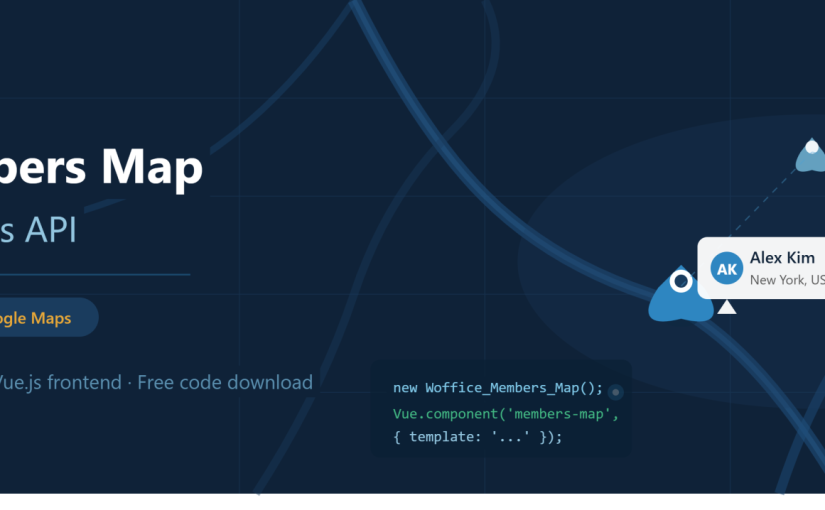
How to Add a BuddyPress Members Map in WordPress (Vue.js Tutorial + Woffice)

TL;DR This tutorial walks through building a dynamic BuddyPress members map from scratch using Vue.js and the Google Maps API — covering the PHP backend (xProfile field, Geocoding API, Ajax callback) and the Vue.js frontend (component, map rendering, member markers). […]

View post
woffice demo

Best Collaboration Tools for Business (Slack, ClickUp & WordPress Alternatives)

TL;DR Most businesses patch together Slack for chat, Trello for tasks, and Confluence for docs — then wonder why collaboration still feels fragmented. The tools on this list each do one thing well, but none of them do everything. If […]

View post
woffice demo

Best Intranet Software in 2026: SaaS vs. WordPress

TL;DR There are two primary issues to weigh while selecting intranet software: do you prefer the convenience of pay-per-user SaaS or the ownership that comes with a one-time payment for WordPress? SaaS has a much faster setup, as evidenced by […]

View post
woffice demo

Benefits of Using a WordPress Intranet

TL;DR A WordPress intranet is a private internal website that centralizes company communication, files, and workflows in one place. Traditional intranets were expensive and IT-heavy; a WordPress intranet plugin like Woffice makes the same functionality affordable for small and mid-sized […]

View post
woffice demo

WordPress Intranet for Small Business Operations | Woffice

TL;DR Small businesses juggling separate tools for HR, projects, documents, and communication can consolidate everything into a single WordPress intranet system. Woffice centralizes these functions in one place — though specialized tasks like payroll, full accounting, and large-scale inventory are […]

View post
woffice demo

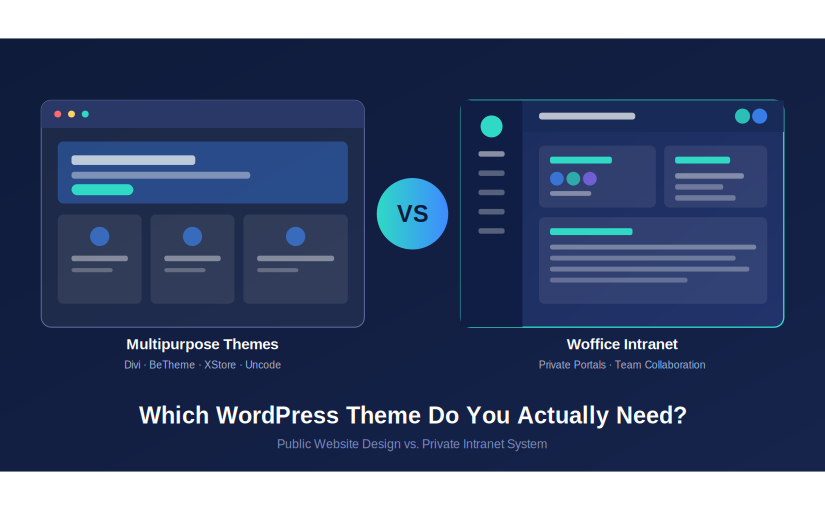
Multipurpose WordPress Themes vs Intranet Themes: Which One Do You Actually Need?

TL;DR Multipurpose WordPress themes like Divi, BeTheme, and XStore are great for public-facing marketing sites and stores, but they lack built-in intranet functionality, role-based access, and internal communication tools. If you’re building a private company portal, team dashboard, or membership-based […]

View post