
 "
"
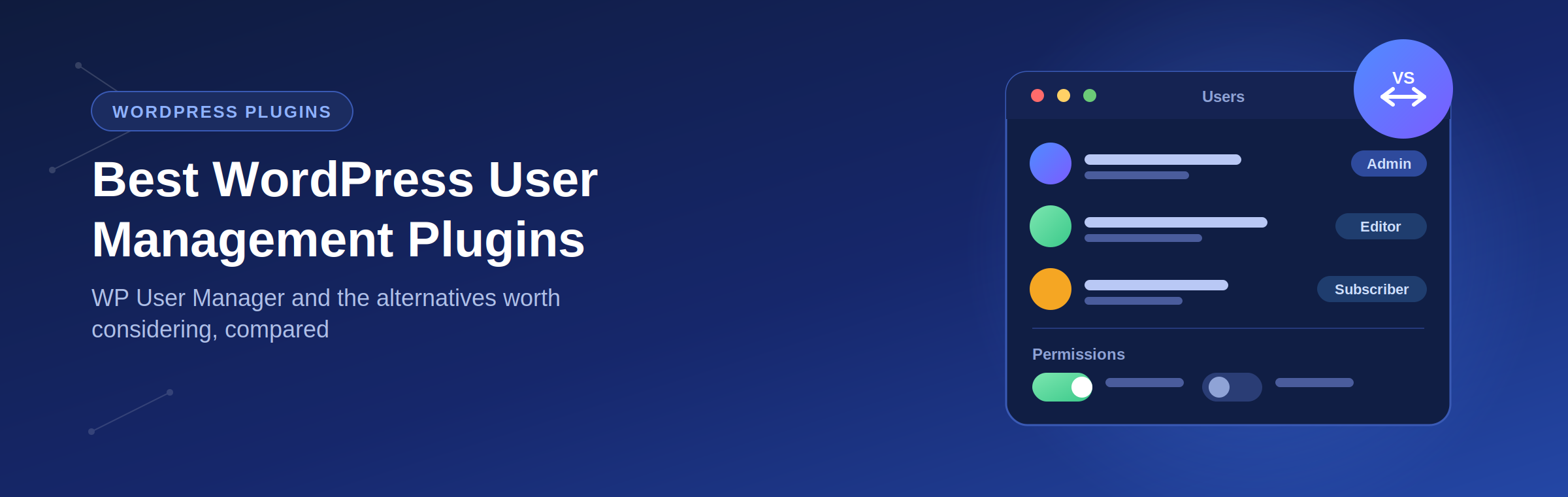
Best WordPress User Management Plugin Options (WP User Manager & Alternatives)






TL;DR
Choosing the right WordPress user management plugin depends on what you need to manage, including user registrations, profiles, roles, permissions, memberships, or private content access. Tools like WP User Manager, Ultimate Member, Paid Memberships Pro, and User Role Editor help improve WordPress user control without custom development. However, websites that need a complete member experience, such as an intranet, community platform, or employee portal, may require more than a standalone plugin. Woffice provides a complete WordPress workspace with user management, dashboards, groups, collaboration features, and access control, all built into a single solution.
An Overview
Choosing the right WordPress user management plugin is essential if you want to control registrations, roles, profiles, and user access efficiently. In this guide, we review some of the most reliable tools, including the popular WP User Manager plugin, to help you find the best user management plugin for WordPress based on your needs.
Best WordPress User Management Plugin Options
WP User Manager
Best for: Custom user profiles, registrations, and community websites
WP User Manager is one of the most popular WordPress user management plugins for creating custom registration forms, login pages, user profiles, directories, and membership features. It is a strong choice for websites that need flexible frontend user management.
Ultimate Member
Best for: Membership websites and online communities
Ultimate Member helps you create advanced user profiles, registration forms, member directories, and restricted content areas. It is suitable for community-driven websites that need better frontend user experiences.
MemberPress
Best for: Paid memberships and subscription websites
MemberPress is a complete membership solution that helps website owners manage users, subscriptions, payments, and protected content from one dashboard.
Paid Memberships Pro
Best for: Flexible membership access control
Paid Memberships Pro allows you to create membership levels, manage recurring subscriptions, restrict content, and integrate payment gateways. It works well for online communities, courses, and private member areas.
User Role Editor
Best for: Managing WordPress user roles and permissions
User Role Editor gives administrators control over WordPress capabilities by allowing them to create, edit, and manage user roles. It is useful for websites with multiple user types and permission requirements.
ProfilePress
Best for: Custom login and registration experiences
ProfilePress helps create custom user registration, login, and password reset forms, and member profiles. It is a good option for websites that want more control over the default WordPress user system.
New User Approve
Best for: Managing user registrations
New User Approve allows administrators to manually approve or reject new registrations before users gain access. It is useful for private communities, membership websites, and organisations that need registration control.
Beyond User Management Plugins: Build a Complete WordPress Intranet with Woffice
While WordPress user management plugins are excellent for handling registrations, profiles, and permissions, growing communities and organisations often need more than basic user control.
Woffice takes user management further by providing a complete WordPress intranet and community solution with user dashboards, private areas, groups, collaboration tools, and productivity features built into one platform.
Instead of combining multiple plugins to manage your users and workflows, Woffice helps you create a structured digital workspace where employees, members, and communities can connect and collaborate.
Frequently asked questions
What is the best WordPress user management plugin?
The best WordPress user management plugin depends on your website goals. WP User Manager is a strong option for managing user profiles, registrations, and directories. At the same time, plugins like Ultimate Member and Paid Memberships Pro are better suited for communities and membership websites. For a complete intranet or collaboration platform, Woffice provides built-in user management alongside additional workspace features.
Can I manage WordPress user roles and permissions without coding?
Yes. WordPress user management plugins allow administrators to control user roles, permissions, registrations, and access settings without writing code. Plugins like User Role Editor make it easier to customise capabilities, while membership plugins can restrict content based on user access levels.
Do I need a user management plugin or a complete WordPress intranet solution?
It depends on your requirements. A user management plugin is suitable for handling basic tasks like registrations, profiles, and permissions. If you need a complete online workspace with member dashboards, private areas, collaboration tools, and team features, a WordPress intranet solution like Woffice can provide a more complete experience without relying on multiple separate plugins.

Comments 2
Comments are closed.
I suspect you did not mean to say “plugin” here:
“This plugin solves this problem and allows you to temporarily disable a user account with just one click – without needing to change anything in that plugin and without deleting it, which is very difficult if the user has already created some contents.”
Hi Marc,
Thank you so much for the signalation, I meant to say “account” instead. I am going to fix it right now 🙂